
 LISSAH Calicut
 St. Mary’s College Sulthan Bathery

Software Developer – Fresher (Batch 2026)
Nobl Q · Others · Full-time

MySkillDB is an AI-assisted online platform to streamline placement processes for colleges and training institutes.
Companies hire, freeze and pivot every month. Last week’s list is already out of date.
Who is actually hiring freshers like yours? Everyone has an opinion, nobody has a list.
Relationships sit in personal contacts and old WhatsApp chats, and walk out with the person.
Offer letters and placement numbers get chased down at the last minute.
Placement officers, students, department coordinators, the principal and IQAC admins all use the same MySkillDB app. Everyone signs in once and sees exactly what their role needs.
Connect the MySkillDB app to the AI assistant you already use. Add one link as a connector and your placement work is a chat away.
https://mcp.myskilldb.com/mcp
Custom connectors need a paid Claude or ChatGPT plan, and menu names can differ slightly by version. More about MCP →
This is the SOP we follow to bring MySkillDB into your college: seven steps, from the first campus visit to companies posting jobs for your students.
Our team visits your college to meet your students in person, helps every student download the MySkillDB app, and guides them through building the first version of their resume.
We run sessions for your TPOs and placement coordinators on using the app to monitor each batch’s resume completion percentage and to spot students whose resume data is missing or incomplete.
Based on your students’ resumes, our AI posts matching jobs in the app and prompts students to start applying.
Based on the applications students make, we give them assessments to understand their skills and knowledge gaps.
From the skill-gap analysis, our AI pushes structured courses into the tool. Students earn a certificate on completion, with your college’s logo on it.
The company leads our AI finds are pushed as jobs and added to your HR Contacts CRM. Use the templated CRM to capture your communications, activities and each company’s responses, so the whole cell knows where every conversation stands.
After you speak to HR or recruiters, send them a sign-up link. They sign up and post their jobs straight into your college, ready for your students to apply.
Use our AI to learn any job in the world, or start with projects for specific skills and prove yourself to recruiters.
When AI finds a company hiring resumes like your students’, it becomes a lead in your CRM. From there, the templated CRM keeps the relationship moving.
Post the job on your college’s job board and send students a notification. Then share the list of students who applied, with their resumes, as a single link to HR.
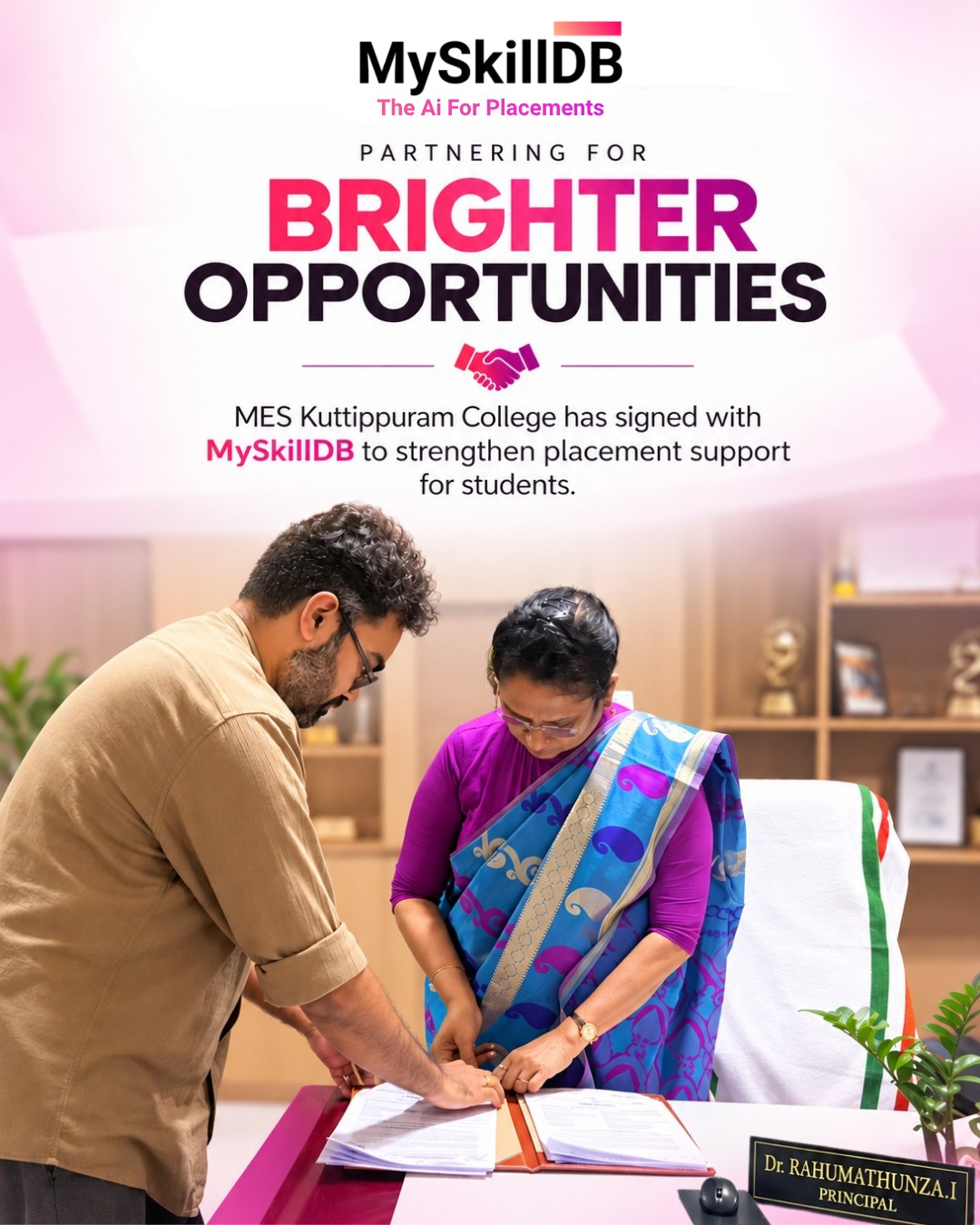
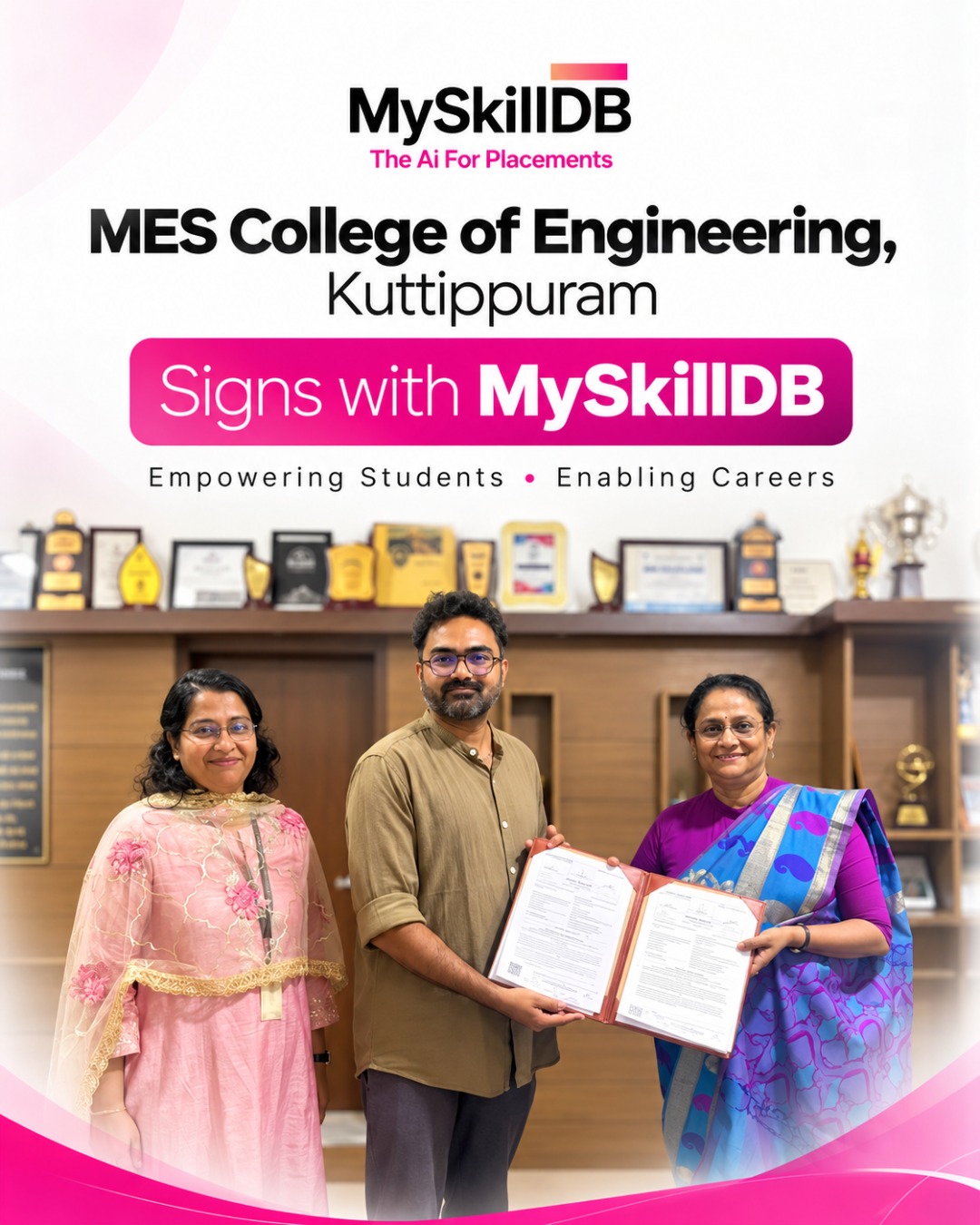
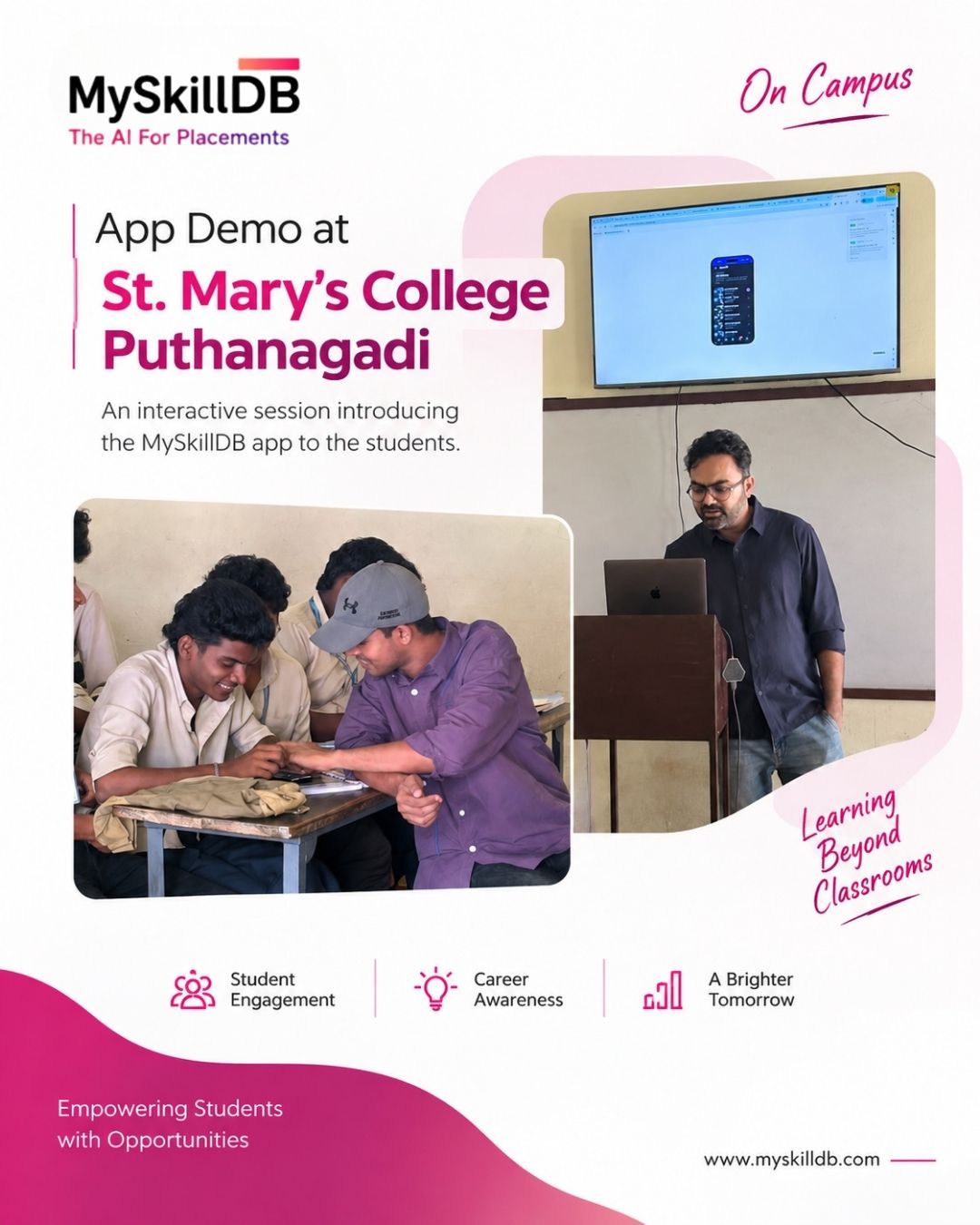
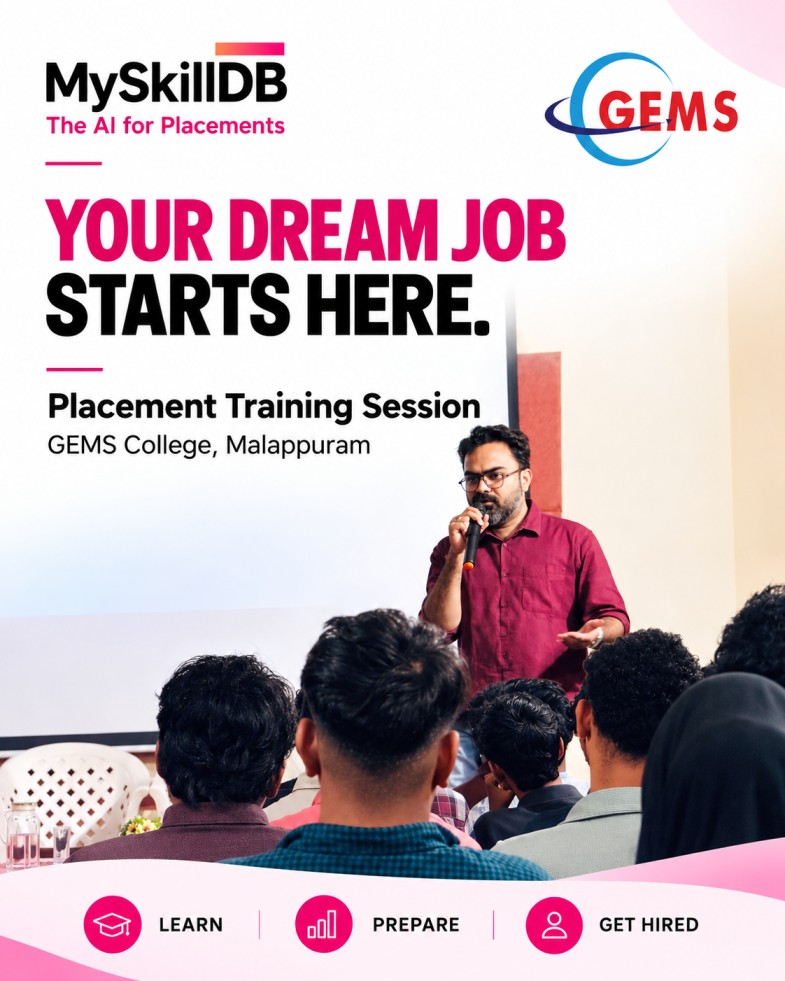
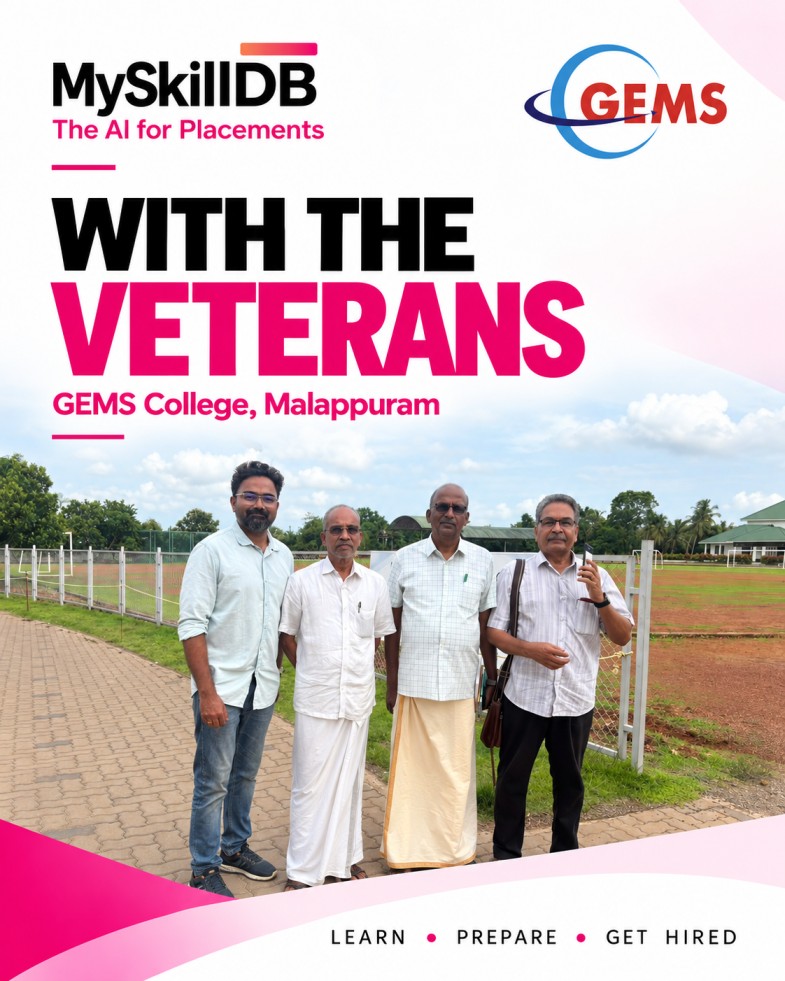
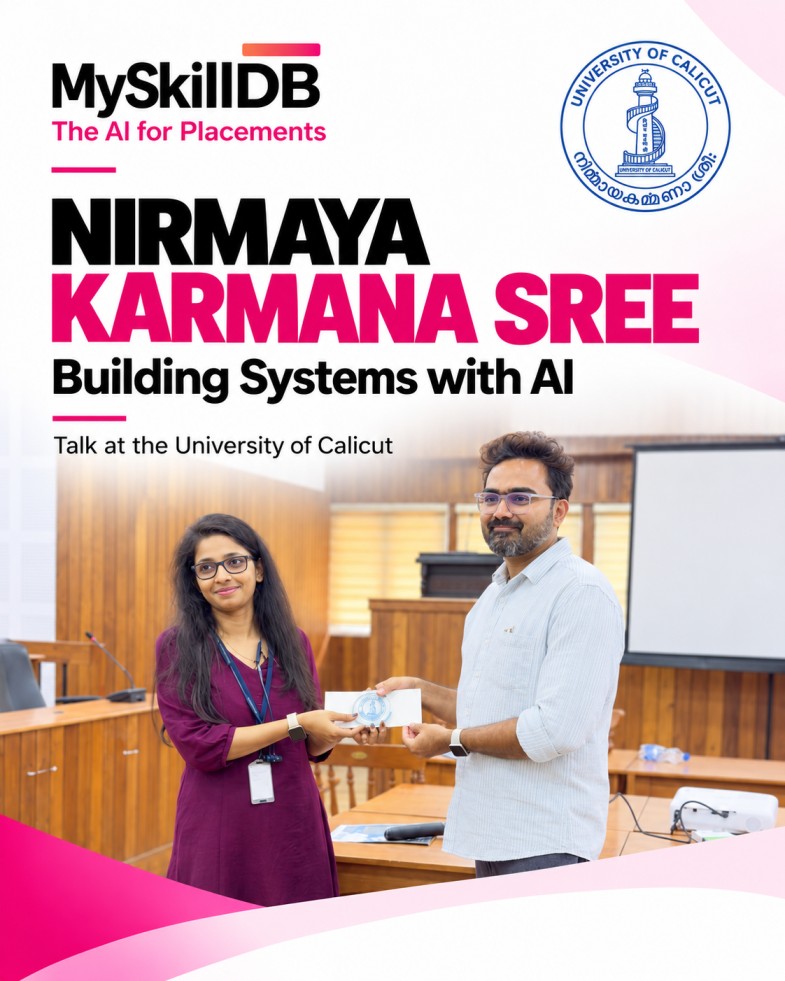
MoUs, training sessions and reports that colleges published themselves about working with MySkillDB.
 MES College of Engineering Kuttipuram
The Training & Placement Cell announced a Memorandum of Understanding with MySkillDB.
 St. Mary’s College Puthanangadi
The Placement Cell and the Computer Science department ran a practical session for students.
 GEMS Arts & Science College (Autonomous)
Faculty explored students’ career interests and job categories, and the MySkillDB placement tool.
 Sri GVG Visalakshi Udumalaipettai
Two sessions on career readiness for IT students, listed with 146 beneficiaries.
GEMS Arts & Science College (Autonomous)
Faculty placement coordinators were trained on the MySkillDB placement tool and placement SOPs.
GEMS Arts & Science College (Autonomous)
Day 4 of the college’s Faculty Development Program 2026–2027.
Post hiring offer letters so every placement is documented.
Every company, conversation and outcome, kept in one place.
Reports that show exactly what your cell has been doing.
Every company you nurture stays in your network, ready for the next batch.
Fresh roles from our hiring partners — see what each one needs and how to prepare.
Nobl Q · Others · Full-time
Next-Automate Pvt. Ltd. · Others · Full-time
Entri App · Others · Full-time
Eagle Fleet Services Private Limited (Red Taxi) · Coimbatore · Full-time
Career tips, placement strategies, and product updates from the MySkillDB team.
Oct 21, 2026 · 6 min
Oct 11, 2026 · 2 min
Oct 4, 2026 · 12 min
Tell us about your college or institute and we’ll show you how student onboarding, AI research and the HR CRM work for your cell.
🤖 Building with AI? MySkillDB plugs into AI assistants via MCP — see the setup guide.
HR contacts saved as “Ramesh Infosys??” in someone’s phone
A shared CRM with every call, email and reply logged
“Send the placement report by evening.”
😰“Done. Here’s the report.”
😌